Event Marketing
Plan, promote, and manage attendance for corporate webinars and industry events.
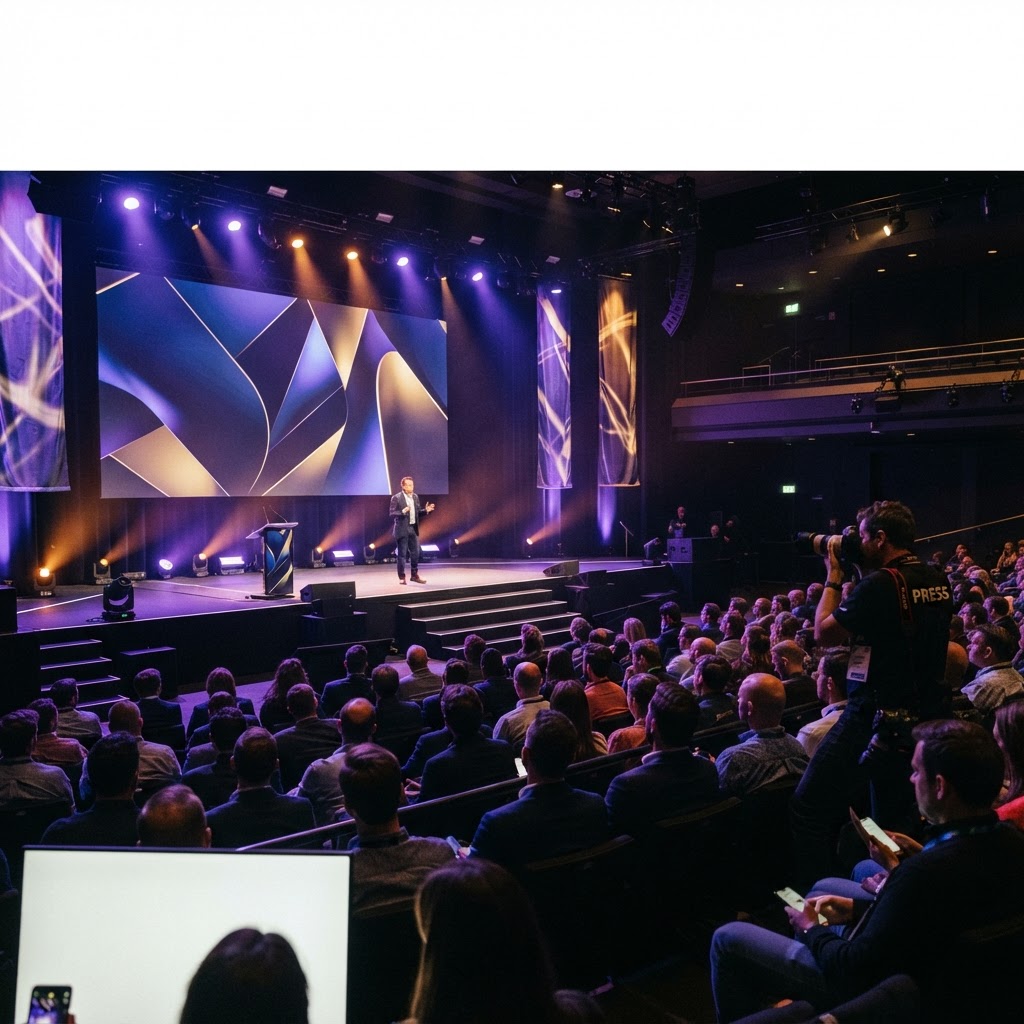
This tool manages the end-to-end planning and promotion for webinars and industry events, including registration and attendee tracking. Users publish event landing pages, handle automated reminder emails, and process participant payments. It distinguishes itself from general marketing tools through specialized features like event-specific registration tracking and real-time webinar attendance monitoring, which are crucial for assessing the success of corporate events and industry presentations.
Built for Event managers planning corporate webinars and tracking registration data for upcoming industry events.
30 minutes, live with the team that runs Event Marketing — you pick the slot and it goes on our calendar.
Event Marketing
Today
1 284
Month
38 k
Total
92%
Preview of the Event Marketing workspace
Inside Event Marketing
What you do in it
Publish event registration landing pages
Email event reminders to registrants
Track attendee count for webinars
Process ticket payments for events
Find buyers, keep them and prove what marketing actually earned.
Where it lives
Content Media
One of 17 apps in this area, at /event-marketing. Records created here are the same records the rest of the platform uses.
Usefulness for your business
What changes once you switch it on
Higher event attendance and registration rates
Automated coordination of event marketing tasks
Accurate attendee data collection for follow-up
Event Marketing
Today
1 284
Month
38 k
Total
92%
Built to work with the rest of the platform
- • Records created here are available to the apps that depend on them — no exports, no re-entry.
- • Your roles decide who can see and change what inside Event Marketing.
- • Notifications reach the right person by in-app alert and email.
- • Every change is kept in an activity trail for audits and disputes.
- • Works on desktop and phone, so field teams use the same system as the office.
Four steps from here to your first record
Event Marketing is part of the same workspace as the rest of the platform — you do not buy it as a separate product, you switch it on for the people who need it.
- 1
Create your workspace or sign in at nkengnetwork.org — one login covers every app on the platform.
- 2
In your dashboard open Content Media and choose Event Marketing. The direct address is /event-marketing.
- 3
Invite the people who need it and give them the role that matches what they actually do.