Distributor Portal
Distributor Portal
Part of the Supply Chain & Logistics suite. Know where every item is and what it costs to move it.
Distributor Portal
Today
1 284
Month
38 k
Total
92%
Preview of the Distributor Portal workspace
What it does
Distributor Portal in plain language
Distributor Portal
Distributor Portal is where that work happens inside your workspace. Distributor Portal is part of the supply chain layer: procurement, warehouses, distribution and delivery held in one chain of custody.
Stock positions, purchase orders, transfers and shipments all reference the same SKU, so the quantity you see is the quantity the warehouse, the partner and the storefront agree on.
It is reached from Distribution Federation in your dashboard, and the records it creates stay connected to the customers, orders and finances they belong to.
Know where every item is and what it costs to move it.
Where it lives
Distribution Federation
One of 10 apps in this area. Records here connect to the rest of the platform — customers, orders, staff and money are the same records everywhere.
Usefulness for your business
What changes once you switch it on
Reduce dead stock and emergency buying by seeing real cover instead of last month’s report.
Compare suppliers on landed cost — freight, duty and lead time included.
Give partners and suppliers their own portal, so they update their side instead of emailing you.
Cut delivery disputes with scans, proof of delivery and status history.
Forecast replenishment from actual sell-through rather than guesswork.
Inside the product
Distributor Portal features
Multi-warehouse stock with reservations and bin locations.
Purchase orders, goods receipt and supplier scorecards.
Replenishment suggestions driven by recent sell-through.
Transfer orders between branches and third-party logistics partners.
Shipment tracking with courier handover events.
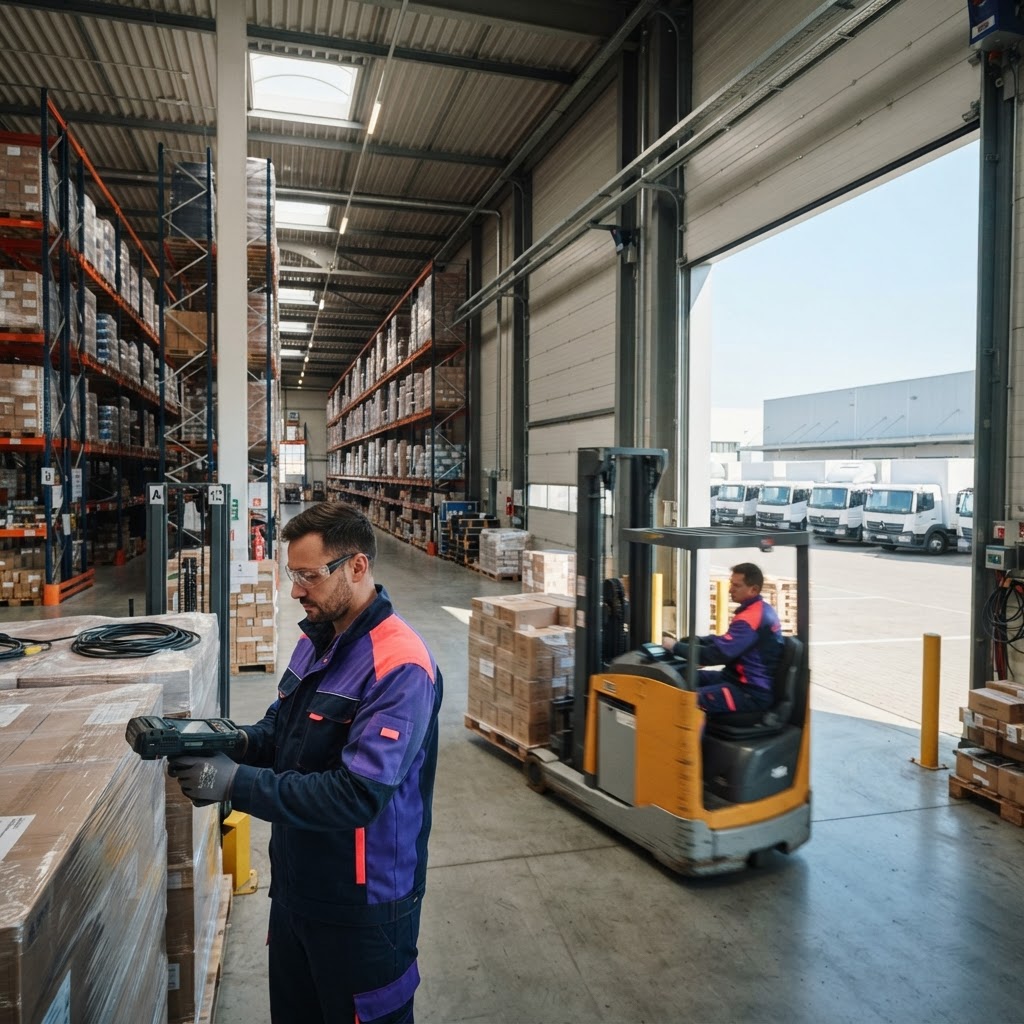
Barcode scanning on phones for picking and receiving.
Distributor Portal
Today
1 284
Month
38 k
Total
92%
Built to work with the rest of the platform
- • Records created here are available to the apps that depend on them — no exports, no re-entry.
- • Your roles decide who can see and change what inside Distributor Portal.
- • Notifications reach the right person by in-app alert and email.
- • Every change is kept in an activity trail for audits and disputes.
- • Works on desktop and phone, so field teams use the same system as the office.
Four steps from here to your first record
Distributor Portal is part of the same workspace as the rest of the platform — you do not buy it as a separate product, you switch it on for the people who need it.
- 1
Create your workspace or sign in at nkengnetwork.org — one login covers every app on the platform.
- 2
In your dashboard open Distribution Federation and choose Distributor Portal. The direct address is /distributor-portal.
- 3
Invite the people who need it and give them the role that matches what they actually do.